Louder is easy. Better needs a fair comparison.
A level increase can be obvious before a tonal or dynamic change becomes clear. VOID’s comparison workflow is designed to give those other changes room to be heard.
A measurement is a description
One lesson in the VOID journey was to keep the loudness difference visible without presenting it as a score. The interface reports source and rendered loudness, alongside peak information. A rise in level says that the output became louder by the measured amount. It does not, on its own, establish that the vocal is clearer, the bass is better controlled or the chorus still has impact.
That is also why the screenshots in this series identify their generated demo source. The displayed numbers describe that test signal and that processing state. They are not targets for your recording, and they should not be read as results from a commercial release.
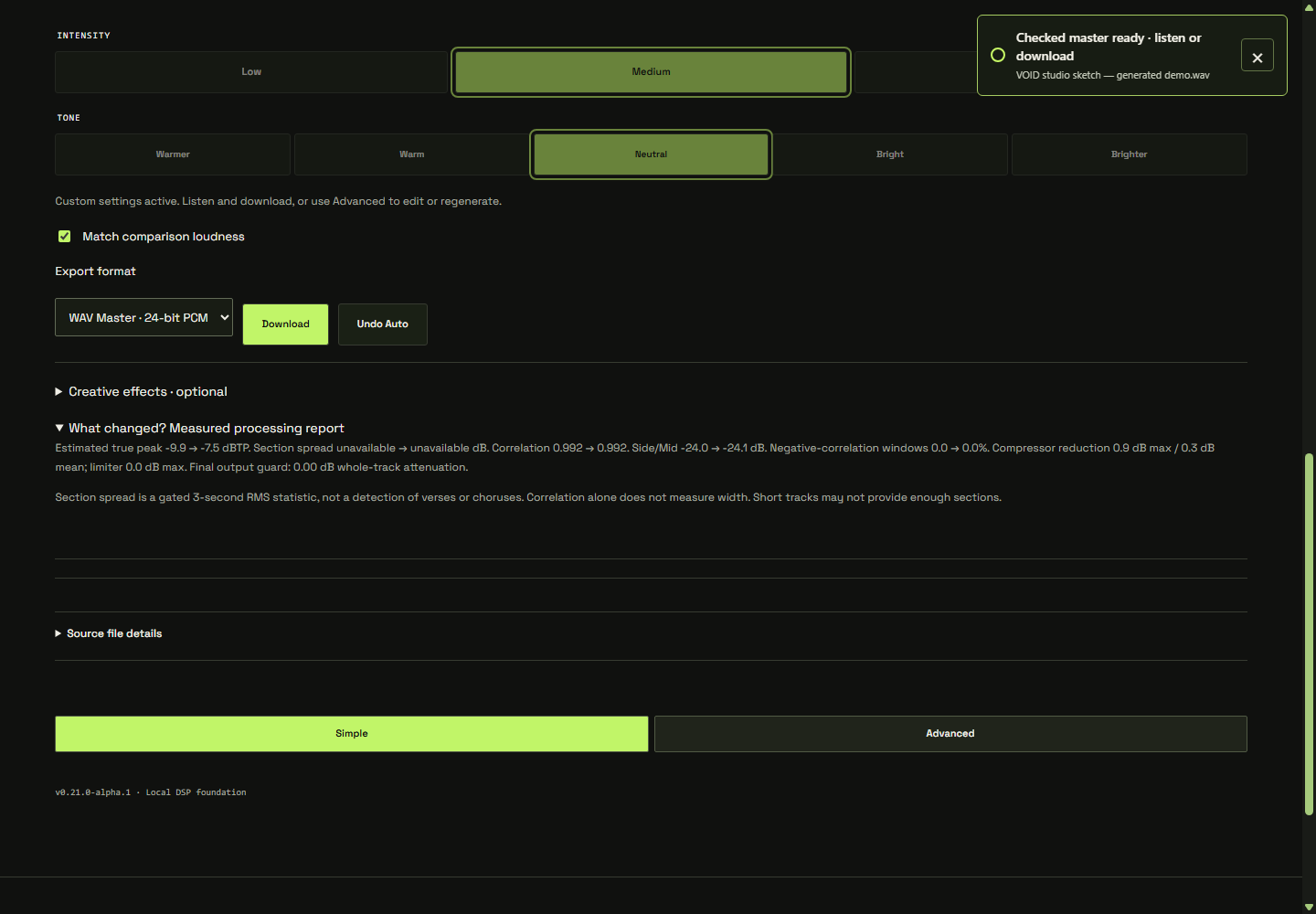
What the matching control does
In VOID, comparison loudness matching turns down the louder version to the quieter integrated loudness reading for the comparison. In the listening-first studio, it begins enabled. The control changes comparison playback, not the loudness of the exported file. The meters describe the signal before that comparison gain.
Matching integrated loudness also does not make every moment equally loud. A verse, transient or chorus can still differ between versions. That is useful information: it tells you to listen to the movement within the track, not only the whole-track summary.
A repeatable listening pass
- Choose a familiar passage and use a comfortable, steady playback level.
- Keep matching enabled and switch between Original and Remastered at the same position.
- Listen for one feature: vocal placement, bass definition, drum attack or high-frequency texture.
- Move to a quieter section and then a louder one. Check whether the contrast still feels intentional.
- Reduce intensity or bypass a suspect processor if a useful improvement comes with an unwanted side effect.
Do not rush the judgement. A brighter version may initially reveal detail while becoming tiring over a longer listen. A denser version may bring quiet details forward while reducing the space around a snare. These are decisions to make in context, not automatic reasons to reject processing.
Read the report with its limits
The development processing report exposes additional measurements, including estimated true peak and processing reduction. Some values may be unavailable, especially with very short inputs. An unavailable value is not zero, and it should not be interpreted as a pass.
VOID’s section-spread statistic describes gated windows; it does not identify verses or choruses. Correlation is another signal description, not a complete measure of stereo width or musical compatibility. If the report raises a question, return to a passage where you can hear the relevant change.
Keep the useful change
A good stopping point is a result you prefer at matched level and across more than one section. If you are unsure, keep an alternative with less processing and compare later. The listening workflow gives you quick controls for that first pass; Advanced gives you a way to isolate a decision.
Finally, separate choosing the sound from checking its delivery. Follow the download checklist on the actual exported file. To understand where automatic starting points come from, read local Auto and optional AI.